
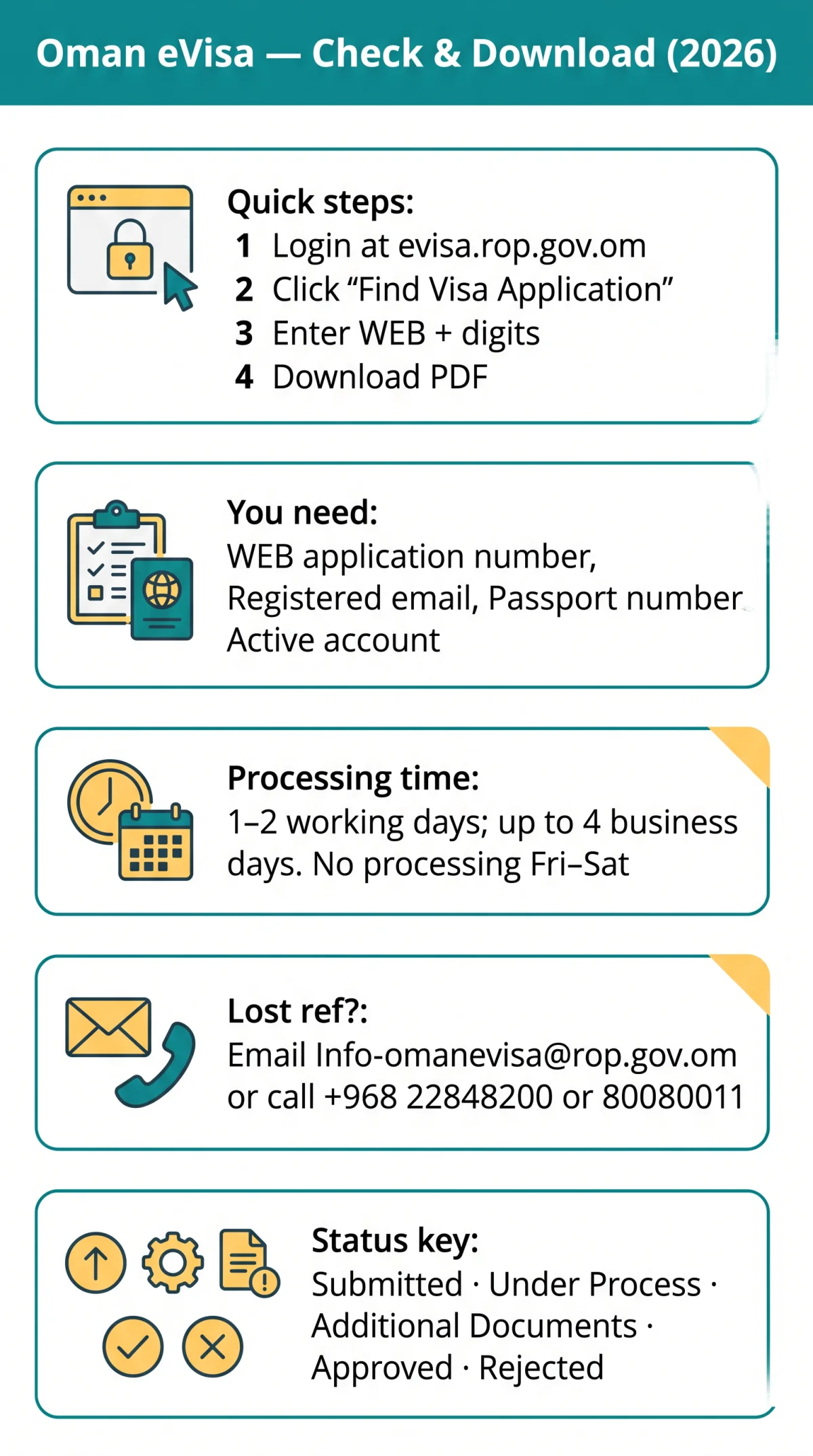
To check your Oman eVisa application status, log in to evisa.rop.gov.om, click “Find Visa Application”, and enter your web application number. The portal displays real-time statuses including Under Process, Approved, or Rejected. Approved eVisas can be downloaded as a PDF directly from the same page.
You will need your registered email address and the web application number starting with WEB followed by digits. If you lose your reference number, contact ROP at +968 22848200 or email [email protected] with your passport details.
Last updated: 11 September 2026. This is an informational guide for UK travellers, not a government publication. Always verify your Oman eVisa application status on the ROP portal at evisa.rop.gov.om. For UK government travel advice, see gov.uk/foreign-travel-advice/oman.
What You Need & How to Check Your Oman eVisa Application Status Online
Checking your Oman eVisa application status requires a registered login on evisa.rop.gov.om, your web application number (format: WEB + digits), and your passport number.
Have ready: web application number (WEB-prefixed code from your confirmation email), registered email address, passport number matching the application, and an active login account. New applicants should click the “Register as user” icon on the portal homepage. Use Chrome or Edge for full portal compatibility.
Navigate
Go to evisa.rop.gov.om.
Log in
Use your registered email and password.
Click
Select the “Find Visa Application” link in the dashboard.
Enter
Provide your web application number in the “Visa Application Status Enquiry” form.
Add
Include optional secondary fields if prompted: passport number and date of birth.
Submit
Interpret the displayed Oman eVisa application status on screen.
Understanding Your Oman eVisa Status – What Each Label Means
The ROP portal displays seven possible Oman eVisa application status labels, each requiring a different action. Status labels may appear in English and/or Arabic.
| Status | Meaning | Typical Wait | What You Should Do |
|---|---|---|---|
| Submitted | Application received by ROP. | Within hours | Wait for review to begin. |
| Under Process / Pending Review | Officer evaluating documents. | 1-2 working days | Check again later; no action needed. |
| Pending Payment | Visa fee not received. | Until paid | Complete payment by credit card. |
| Additional Documents Required | Officer needs more information. | Until submitted | Log in and upload requested files. |
| Approved | Visa granted; PDF ready. | Up to 4 business days end-to-end | Download the eVisa PDF from the portal. |
| Rejected / Refused | Application declined; fee non-refundable. | Immediate | Reapply with corrected info or contact ROP. |
| Issued | Visa linked to passport. | After approval | Carry PDF and travel within validity dates. |
How to Download Your Approved Oman eVisa PDF
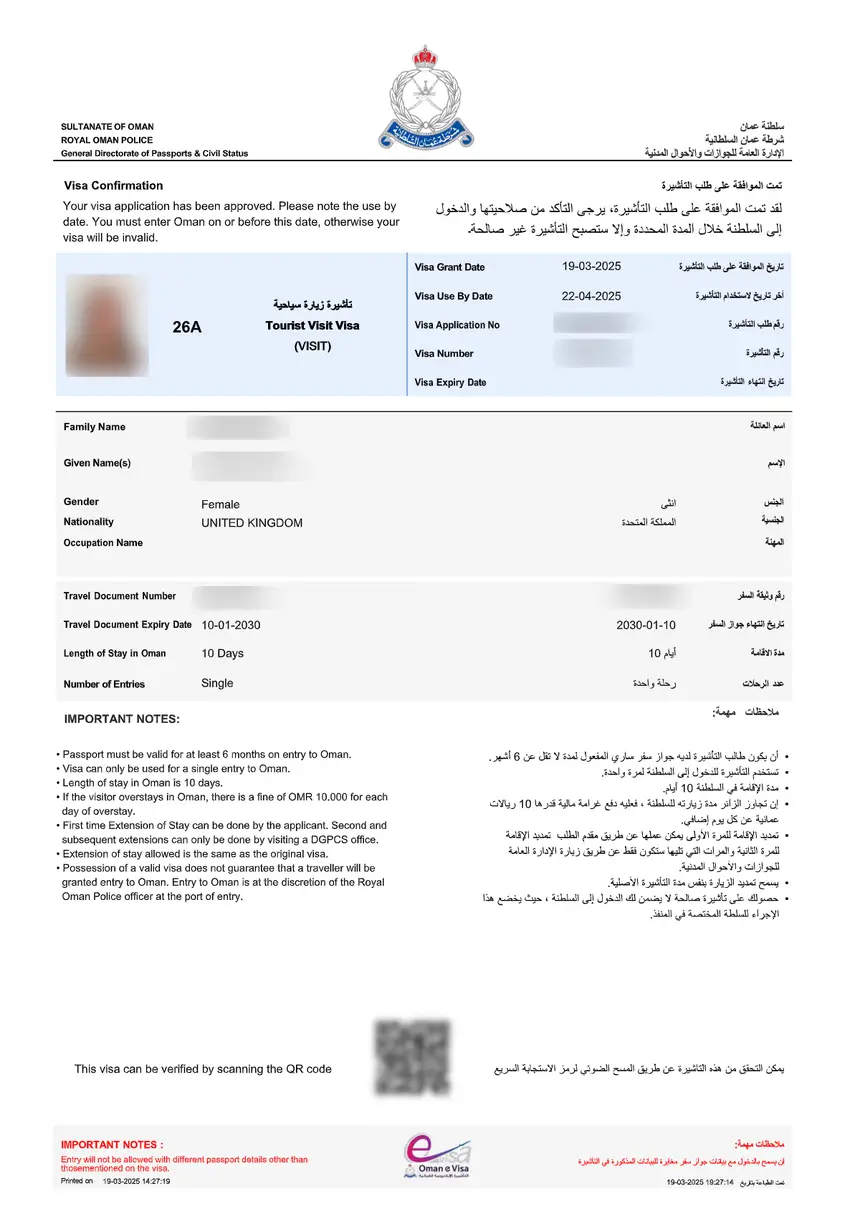
Once your Oman eVisa application status shows “Approved,” log in to evisa.rop.gov.om, locate the application, and click the download icon to save the eVisa PDF with a scannable QR code.
Log in
Access evisa.rop.gov.om using your registered email and password.
Navigate
Go to “Find Visa Application” and locate the approved record.
Click
Select the download icon next to the approved application.
Verify
Ensure the PDF displays your personal details and validity dates.
Scan
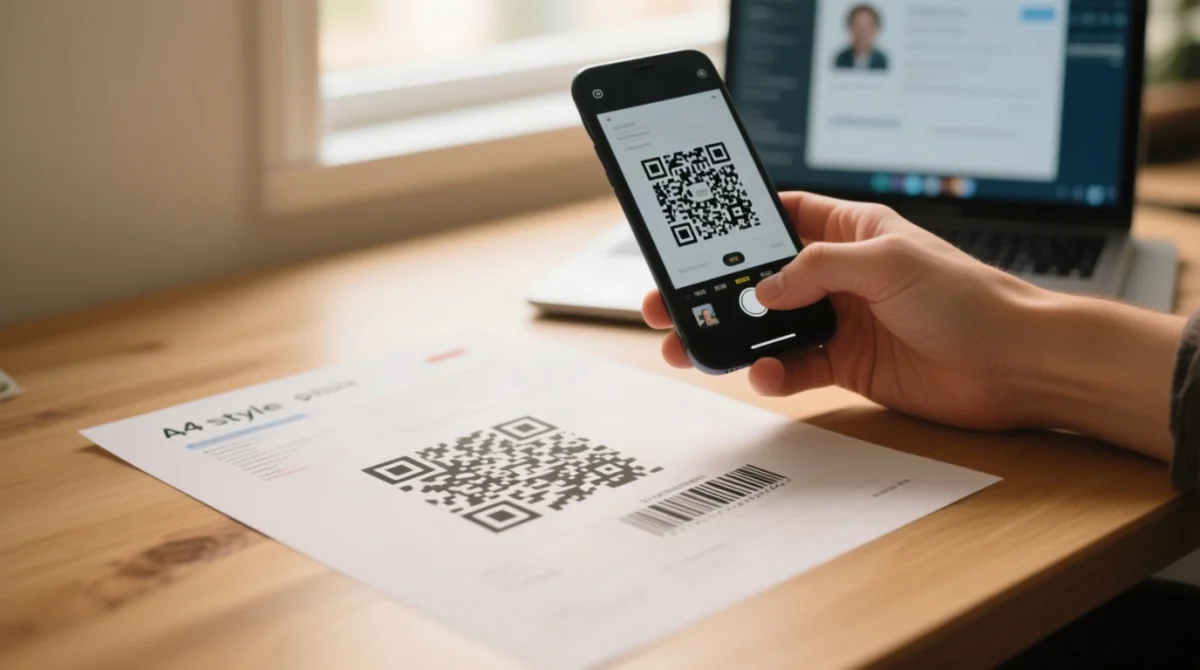
Use your phone camera to scan the QR code. If unreadable, re-download from the portal.
Save
Save the PDF to your device and print a colour copy for travel.
Once approved, download the eVisa PDF from the ROP portal (email delivery may be delayed or caught in spam). A colour print is recommended for the Oman border; carry a printed backup alongside a digital copy on your phone.
Tracking via Passport Number, Lost Reference & Troubleshooting
The web application number is mandatory for checking your Oman eVisa application status; a passport number alone is an optional secondary field and cannot retrieve a result.
Lost Your Application Reference Number?
Search your inbox for the submission confirmation email from @rop.gov.om (check spam folders). If unsuccessful, email [email protected] with your passport number, full name, date of birth, and nationality. Alternatively, call the ROP eVisa Call Centre: toll-free 80080011 within Oman or +968 22848200 internationally, available 24×7.
“Application Not Found” Error
Four common causes: (1) verify your reference number includes the WEB prefix followed by digits; (2) ensure you are logged into the same account used during submission; (3) clear your browser cache and disable any VPN; (4) retry during Oman business hours. For login failures, use the “Forgot Password” reset link; if a third-party agent registered your account, contact that agent directly or call the ROP call centre for assistance.
Oman eVisa Processing Time & What to Do After Approval
According to the ROP eVisa portal, Oman eVisa application status updates take 1-2 working days (up to 4 business days end-to-end). No updates occur on the Omani weekend (Fri-Sat) or public holidays (18 Nov, 23 Jul, Eid periods).
- Plan for weekend delays: An application submitted Thursday evening will not begin processing until Sunday.
- Escalate if stuck: If status remains “Under Process” beyond 5 business days, contact ROP at +968 22848200 or 80080011 (24×7).
- If “Additional Documents Required”: Log in to evisa.rop.gov.om, find your application, and upload requested files (commonly a new photo, hotel booking, or return ticket).
- If “Rejected”: No formal appeal exists and the visa fee is non-refundable; you may reapply with corrected information.
- Post-approval: Download approved documents from the portal, verify the QR code, print a colour copy, confirm “Valid From” and “Valid Until” dates cover your travel window, and ensure your passport remains valid for 6+ months.
- Entry type: Note whether your visa is single-entry or multiple-entry before booking onward travel.
ROP eVisa Portal vs Third-Party Visa Agents – What UK Travellers Should Know
The only authoritative source for your Oman eVisa application status is the ROP eVisa portal at evisa.rop.gov.om. Third-party agents such as Atlys, OmanVisa, and JsdBiz charge additional service fees on top of the government visa fee and may store your passport data outside UK GDPR protections.
| Feature | ROP eVisa Portal | Third-Party Agent |
|---|---|---|
| URL | evisa.rop.gov.om | Agent websites |
| Cost | Government visa fee only | Government fee + service fees |
| Data handling | Direct government processing | Potential storage outside UK/EU GDPR |
| Reliability | Primary source of truth | Intermediary – depends on ROP |
| Support | ROP call centre 24×7 | Agent support hours vary |
For your Oman eVisa application status, always use the ROP portal directly to safeguard your personal data. If you cannot access the portal, contact the ROP call centre at +968 22848200 or email [email protected].
Frequently Asked Questions (FAQ)
How long does it take for an Oman eVisa application status to update for UK citizens in 2026?
Typically 1 to 2 working days, up to 4 business days end-to-end. Applications submitted on Friday or Saturday (the Omani weekend) are processed from Sunday.
Can I check my Oman eVisa application status without an application reference number?
No. The ROP portal requires the web application number. Email [email protected] or call +968 22848200 with your passport details instead.
What does “Additional Documents Required” mean on my Oman eVisa application status?
The reviewing officer needs more information. Log in, find your application, and use the upload function. Commonly requested items include a new passport photo, hotel booking, or return flight confirmation.
My Oman eVisa application status says “Rejected” – what can I do?
There is no formal appeal process for Oman eVisas. The visa fee is non-refundable. You may reapply with corrected information or call the ROP call centre to ask about the reason.
Is the Oman eVisa application status check process the same for Indian, Pakistani, or Bangladeshi passport holders?
Yes, the portal and process are identical regardless of nationality. Only eligibility requirements and supporting documents may differ by country.
Can I check my Oman eVisa application status for an employment or work visa through the eVisa portal?
No. Employment visas are processed through the employer’s sponsor via the PRO login. Employees should request status updates directly from their sponsoring company.
What is the difference between rop.gov.om and evisa.rop.gov.om?
rop.gov.om is the main Royal Oman Police website for general services. evisa.rop.gov.om is the dedicated eVisa portal for applications, status checks, and downloads.
Do I need to print my Oman eVisa or is a digital copy on my phone enough?
A colour print is recommended as the safest option. Digital copies on your phone are generally accepted, but a printed backup protects against battery failure or lack of internet at the border.